BETA
BETALoading the page
Three parts: create your LotsBack account, open the trading account through the partner link, then connect it with the read-only login. The order matters. The broker credits LotsBack only for accounts opened through that link.
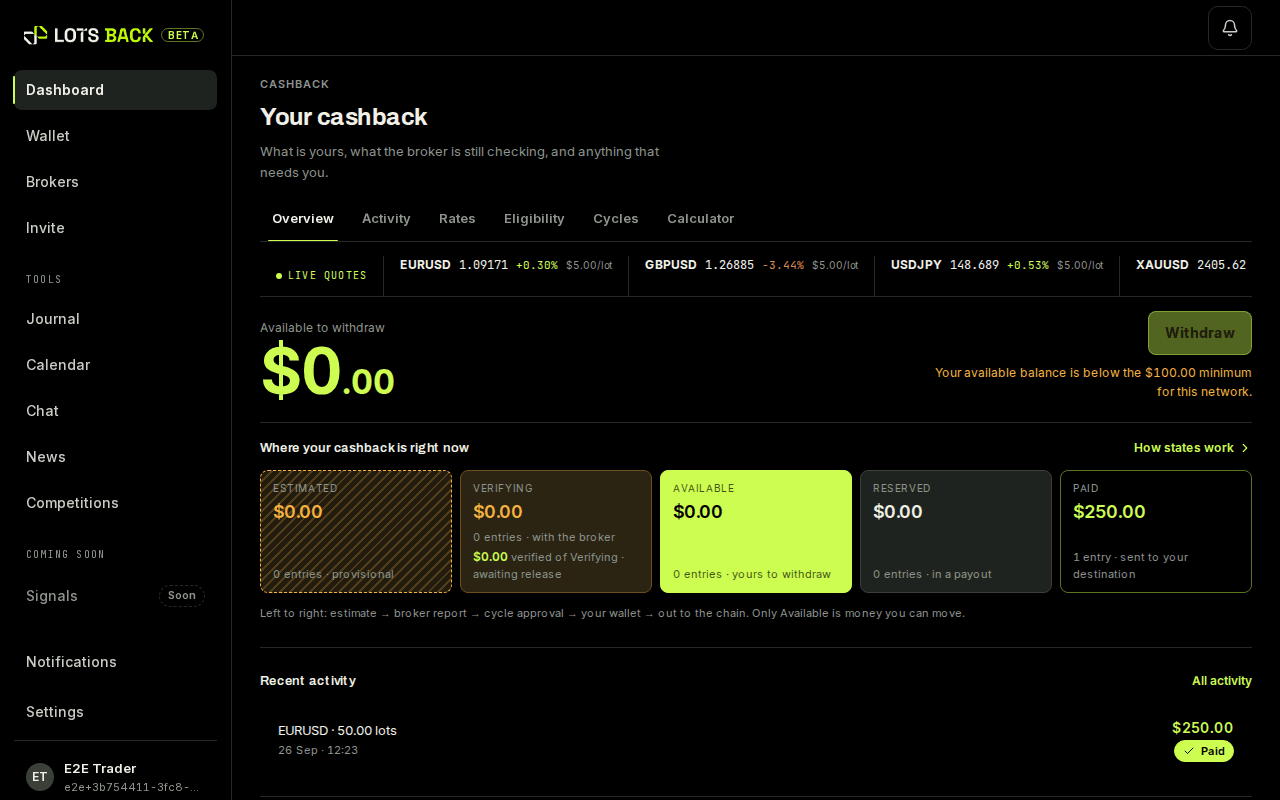
Estimated, before broker verification. Only a Verified amount that has been released is money. Cashback terms.
Sign-in is a magic link. There is no password to choose.
Most of it is the broker's identity check. LotsBack itself takes two minutes at each end.
The broker asks for both. LotsBack never does. Identity is the broker's job.
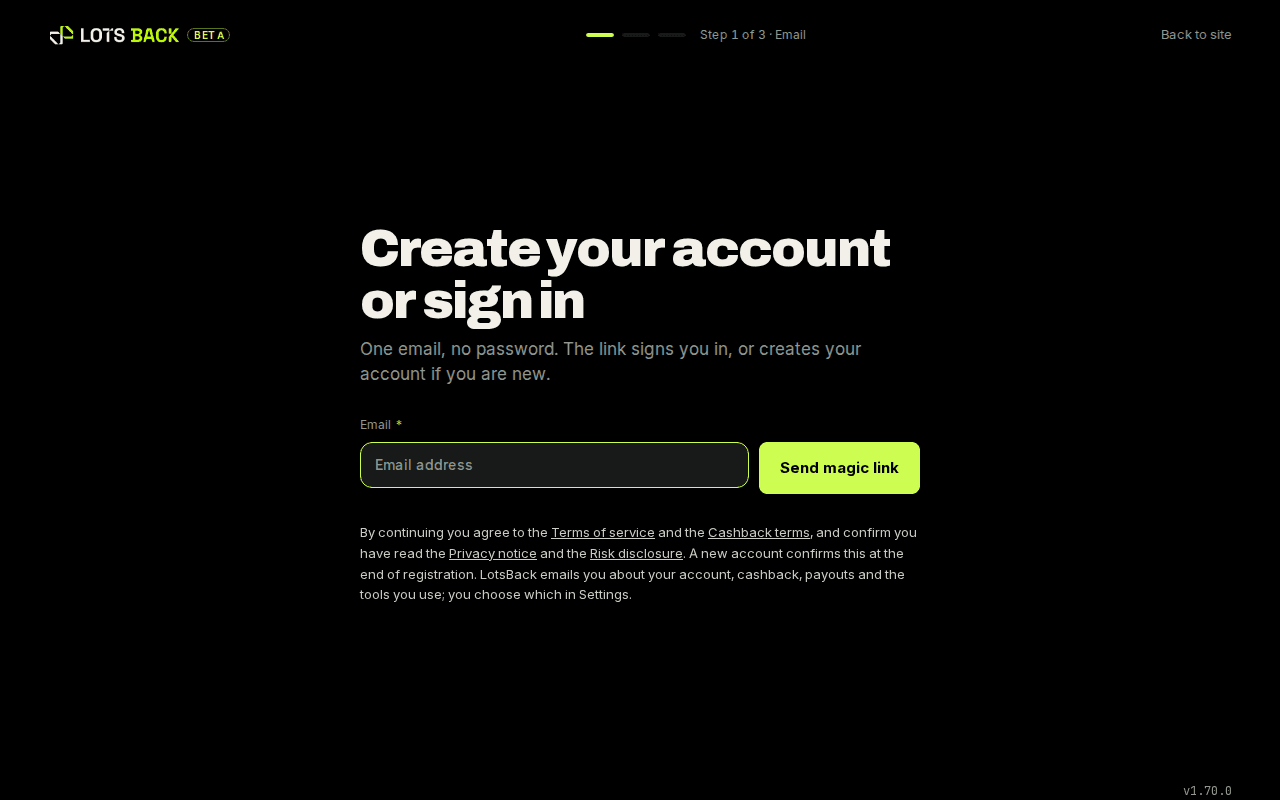
Go to Create your account, enter your email and press Send magic link. Open the email and click the link. It is valid for 15 minutes; if it has expired, enter your email again for a fresh one.
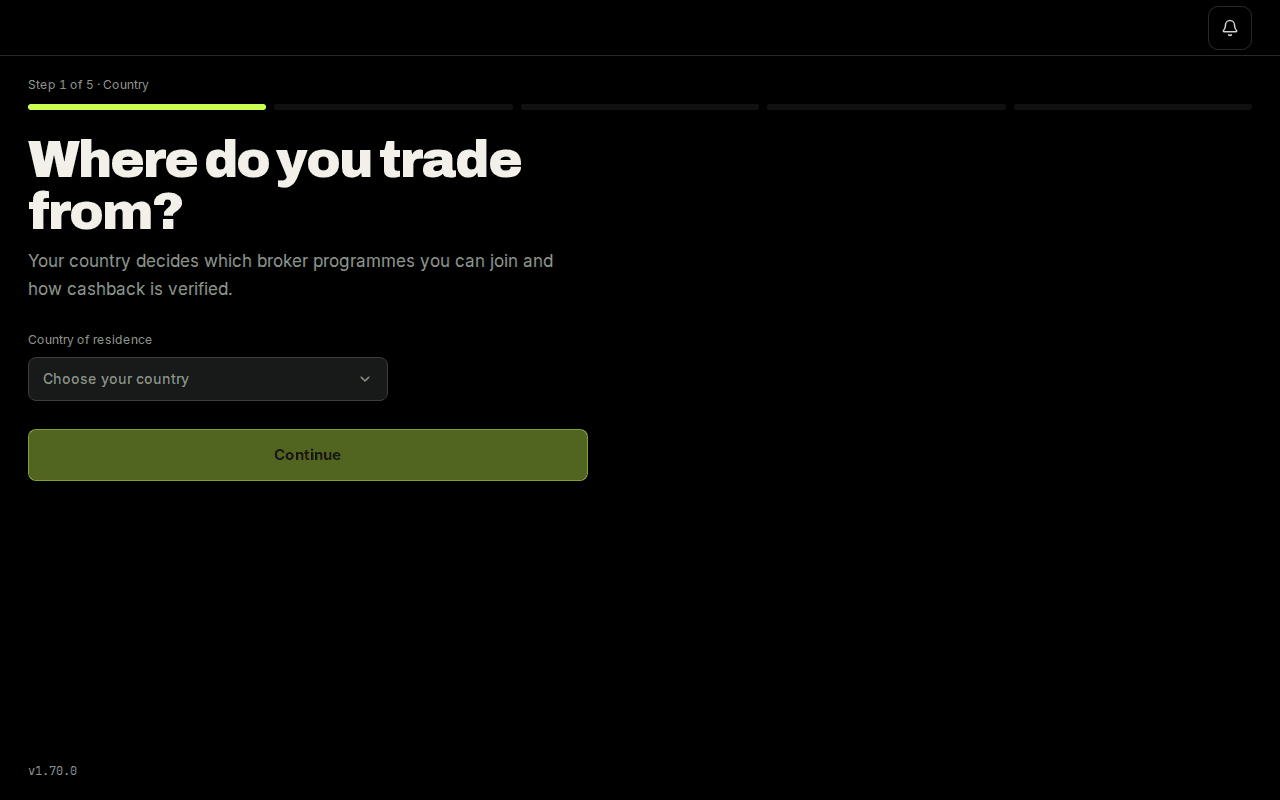
Setup is five short screens. The first asks where you trade from.
Pick your broker from the tiles. Each shows the published cashback rate and says partner link under the button. Press Open account. The broker opens in a new tab. Keep the LotsBack tab open; you come back to it.
Each broker has its own walkthrough: the form the partner link opens, the account type to pick, where the login details are, and where to deposit. Open the one for your broker.
Each closed position writes an estimate the same moment, at your broker's published rate. Nothing changes about how you trade.
Each week the broker sends its report and matched lots become Verified. When the cycle is released the amount is Available. Only Available is money. Payouts run once a week to the USDT address you added; a new address waits in a cooling period first, so add it before you need it.
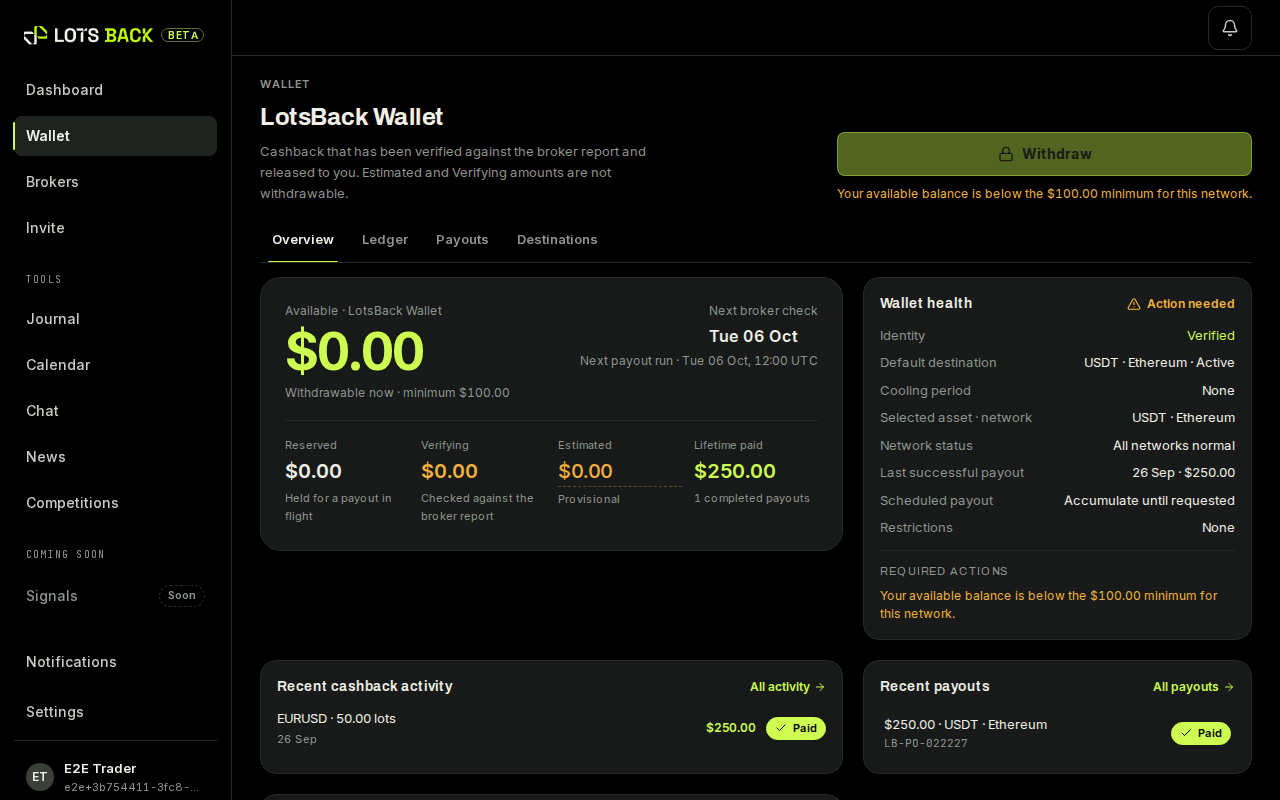
Only Available is money. Everything before it is an estimate.
All ten statesOften you can keep it. Choose I already have an account and pick your broker. LotsBack shows the steps to ask for the move in the broker's portal, then sends your details to the broker so they can approve it. If the broker does not move it, open a new account through the partner link and connect that one. Both can stay connected; only the one the broker lists under LotsBack earns.
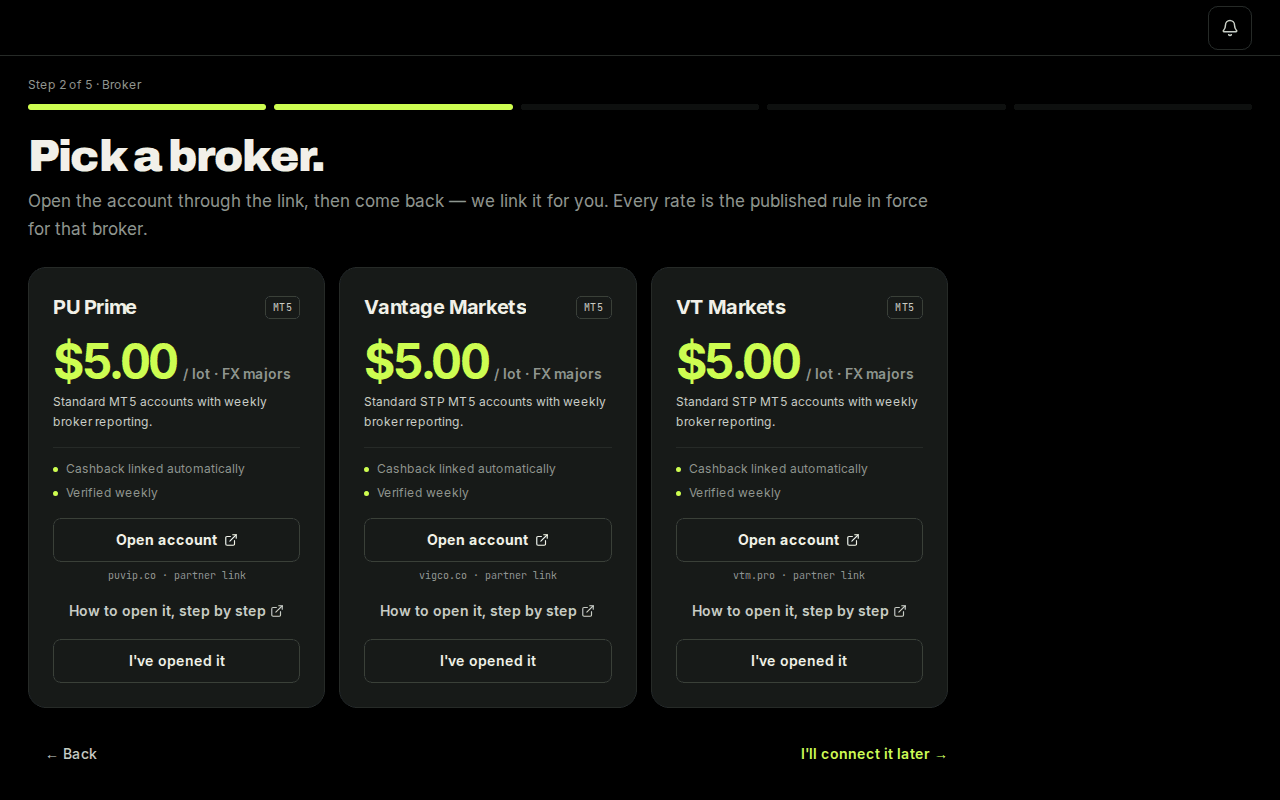
Back in the LotsBack tab, press I've opened it under the broker you chose. Your account is saved as pending, and setup moves on.
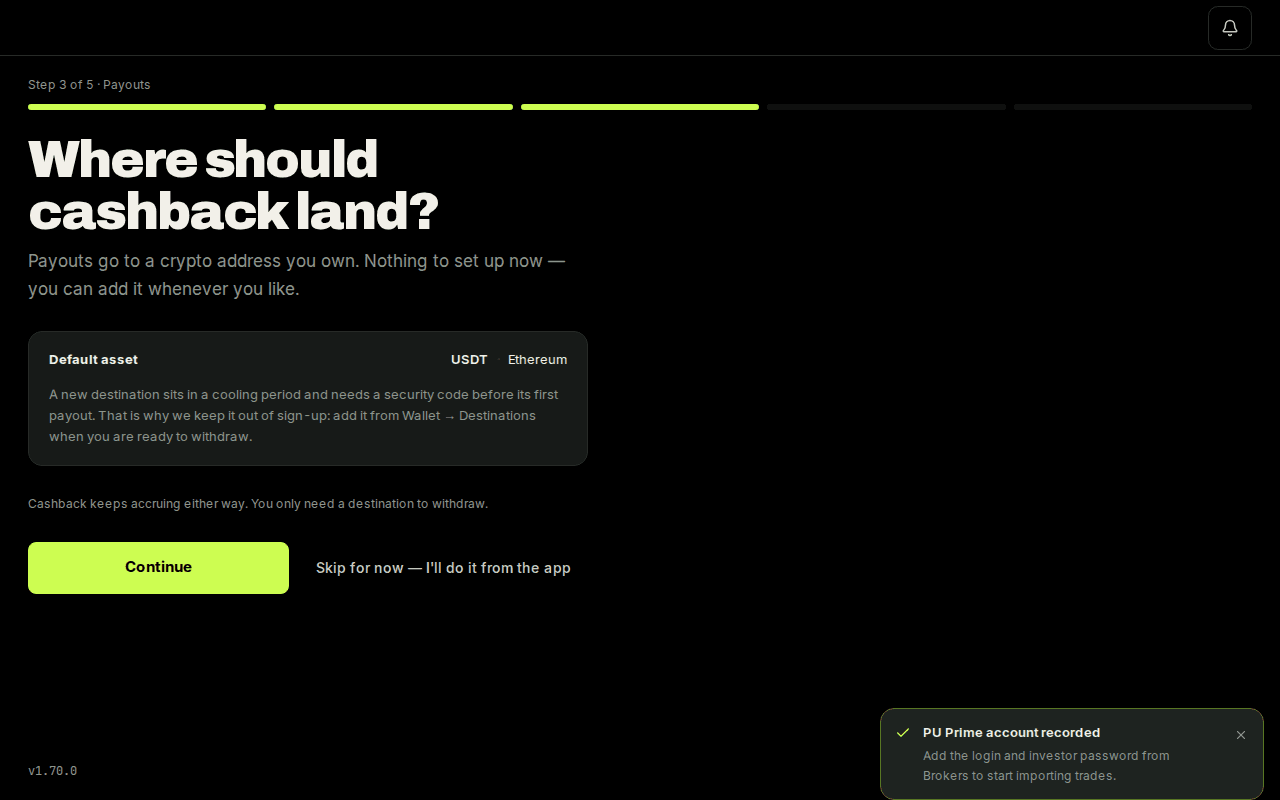
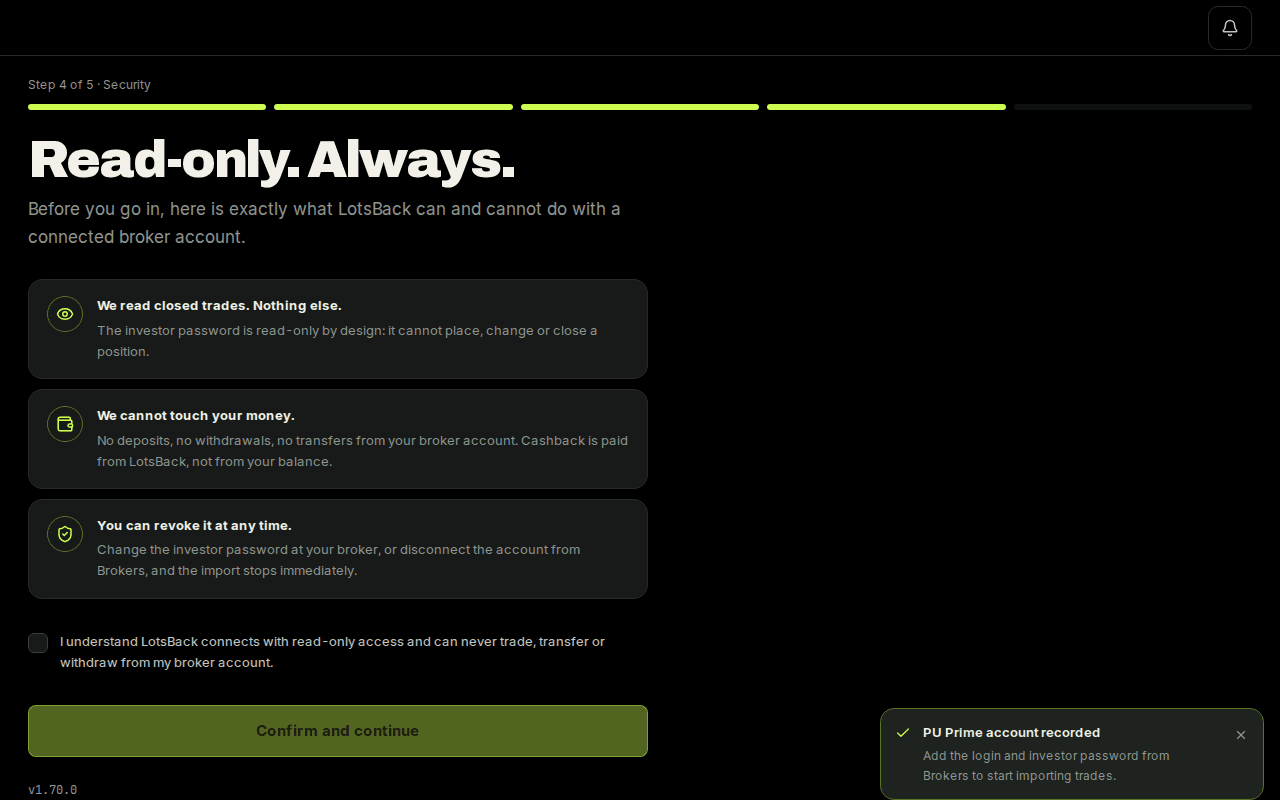
Payouts asks for your USDT address; you can add it later. Security asks you to confirm that the link is read-only. Terms is the last screen. Then the dashboard opens.
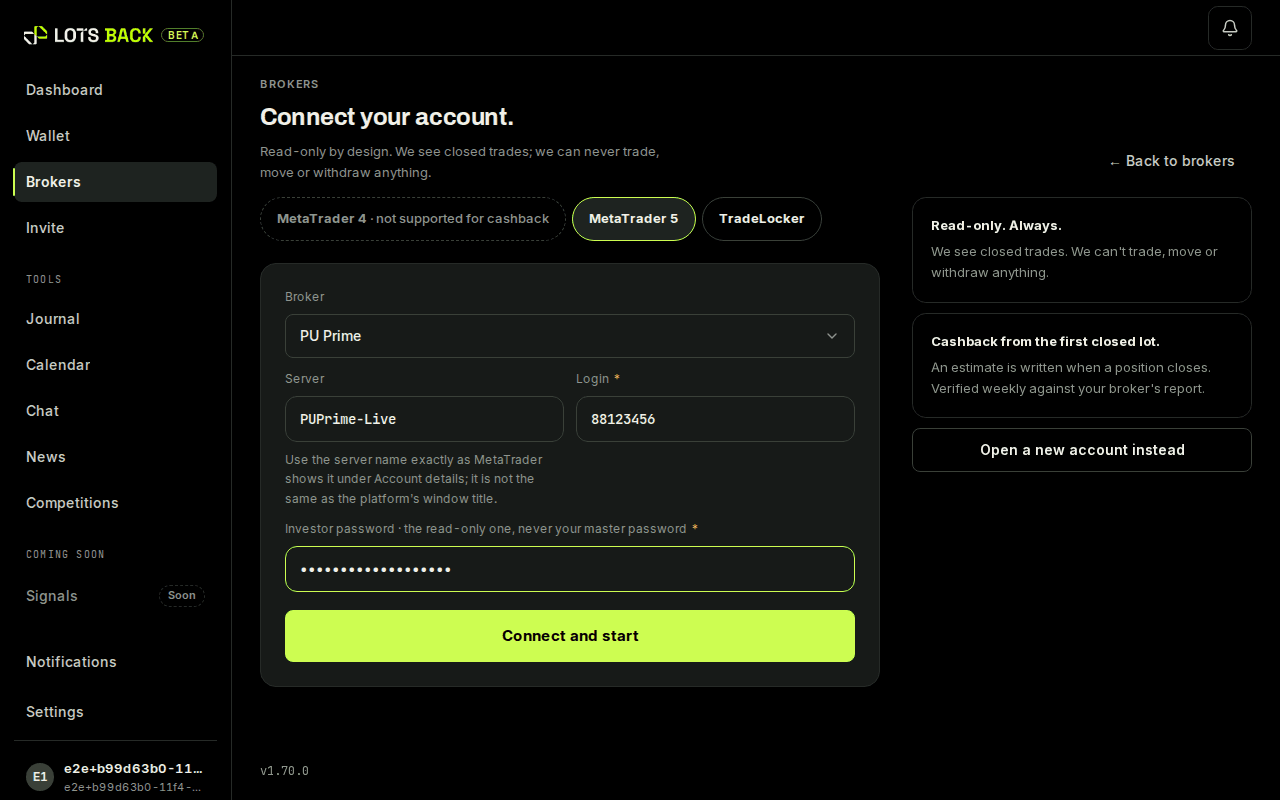
Open Brokers and press Connect an account. Choose the broker, then enter the three details from the broker's email: Server, Login and Investor password. Press Connect and start.
The card under Brokers tells you where the account stands. Every figure is an estimate until the broker confirms.
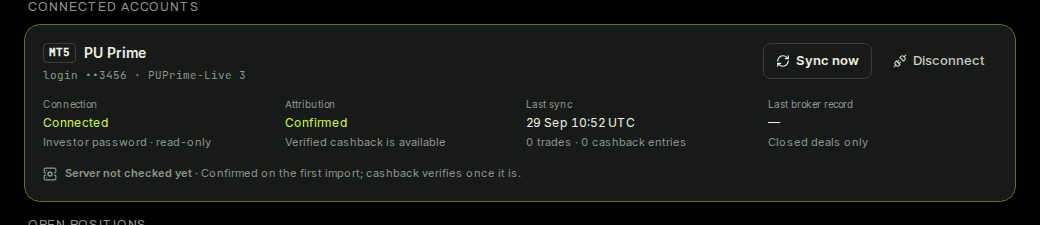
The card shows the last sync time and the number of trades read. The first import runs within the hour. From then on the dashboard shows each closed trade and its estimate.