BETA
BETALoading the page
Do this from the Open account button inside LotsBack, so the account is opened through the partner link and VT Markets credits it to LotsBack. The button opens the broker in a new tab; keep this page open beside it.
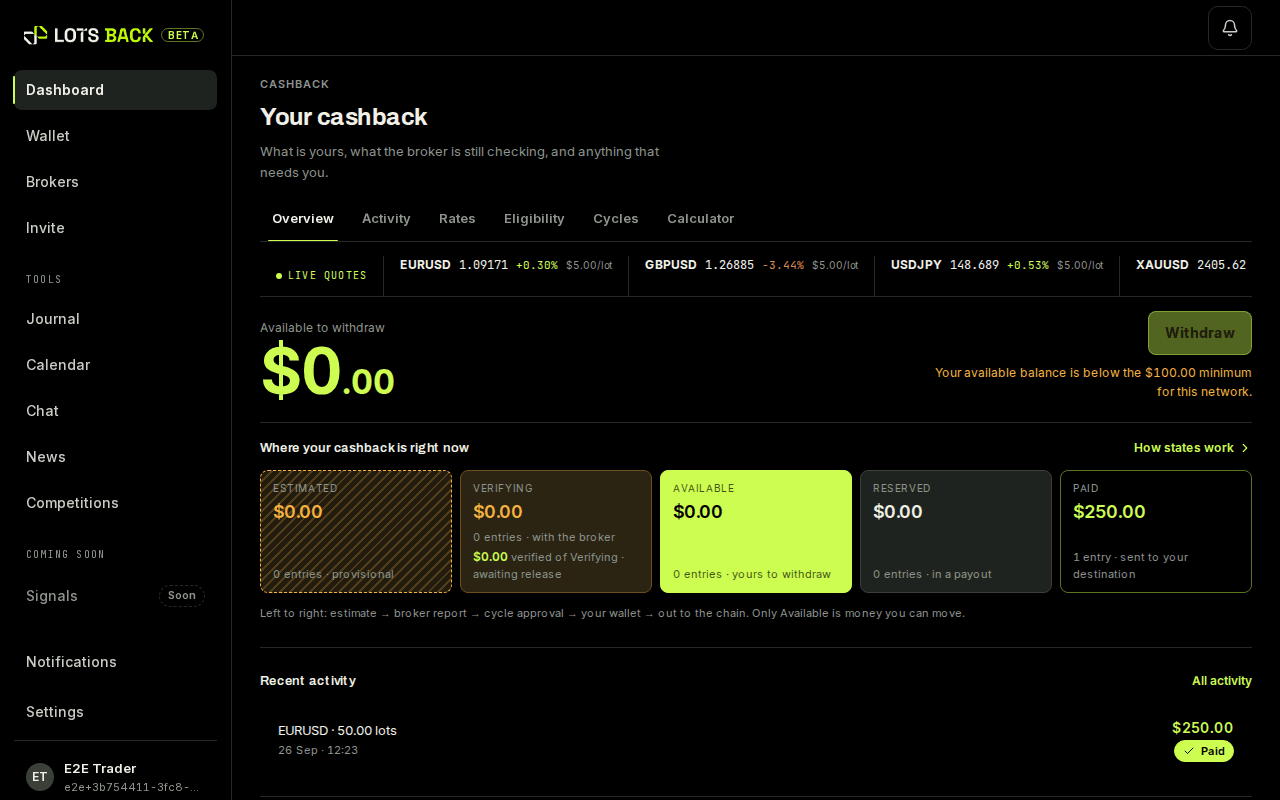
Estimated, before broker verification. Only a Verified amount that has been released is money. Cashback terms.
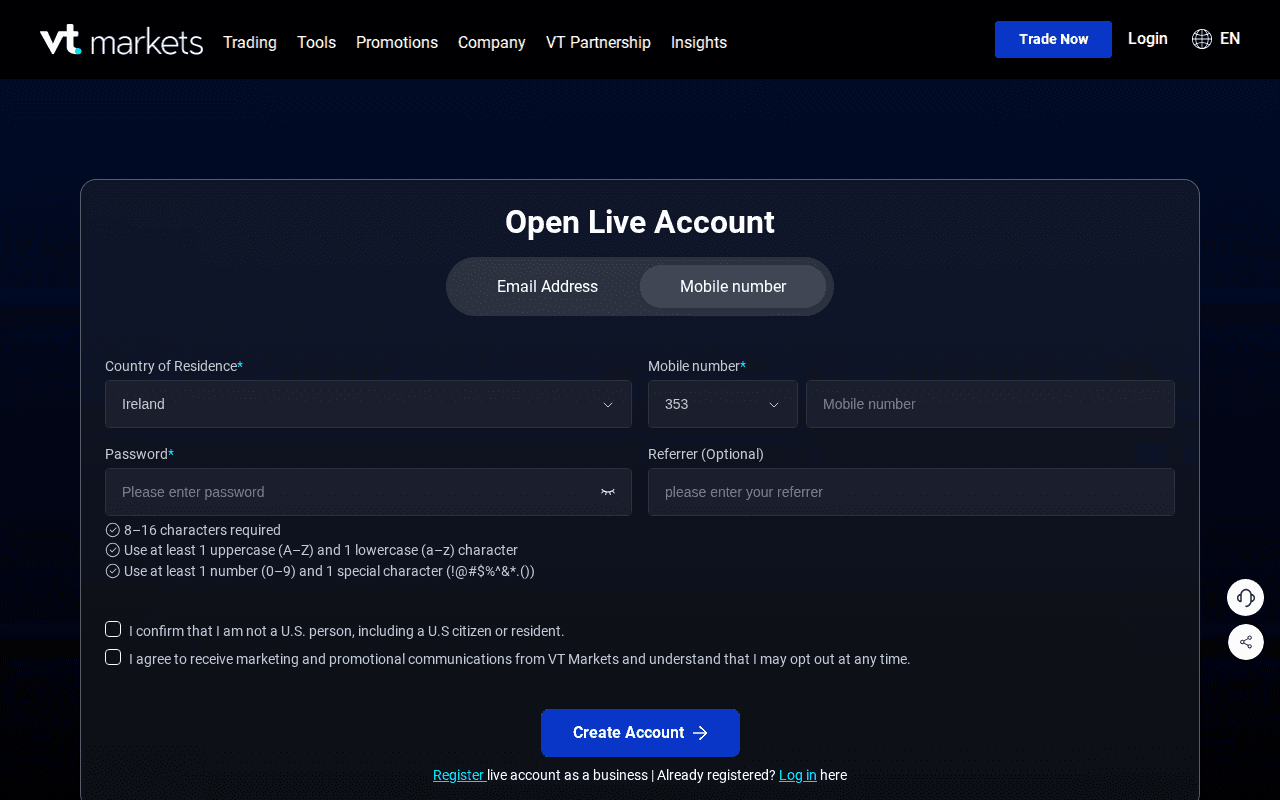
The partner link opens the VT Markets Trade now form. Fill it in with the details on your ID: name, email, phone, country. Use the same email you use for LotsBack if you can; it makes support simpler.
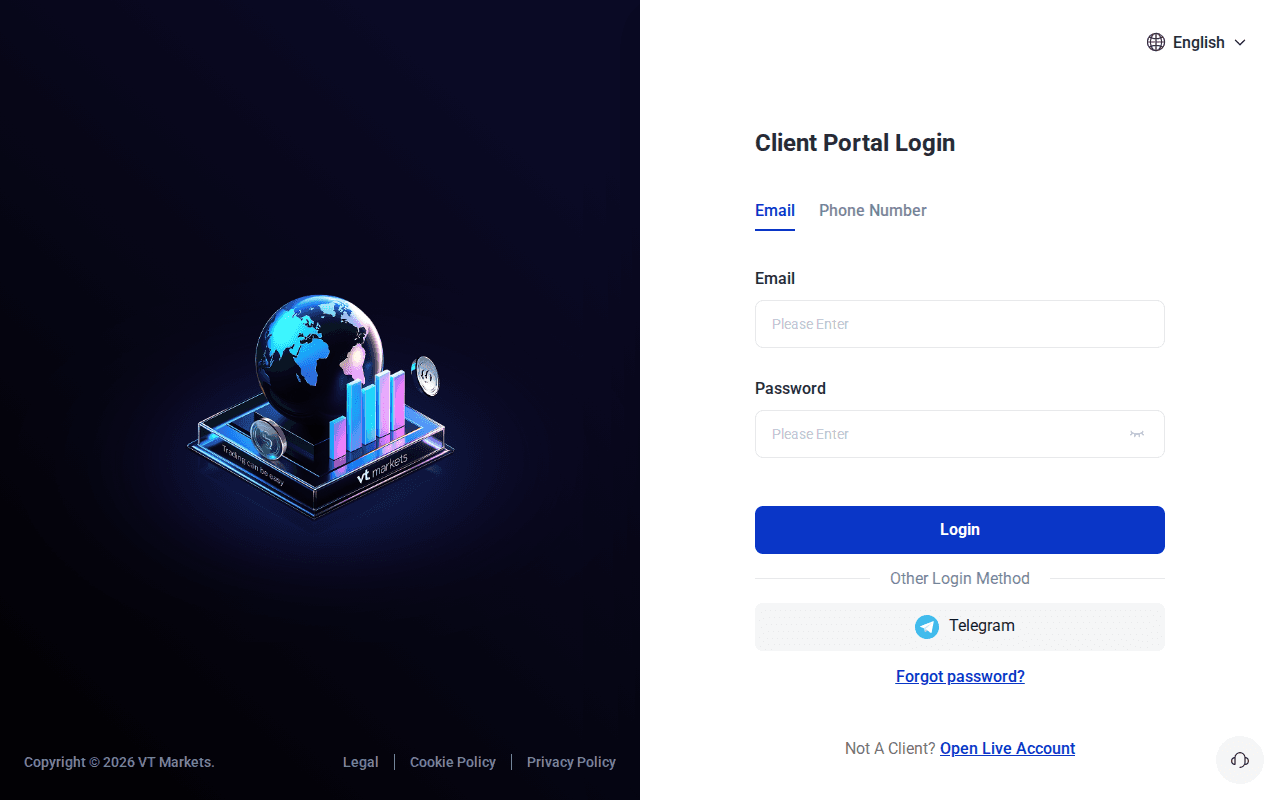
VT Markets emails you a verification link or code. Confirm it, then sign in to the VT Markets client portal.
Upload a photo of your ID and a proof of address. This is the slow part: some approvals take minutes, others a working day. You can carry on with the next step while you wait.
In the VT Markets client portal, open a new live trading account and choose the settings below. The account currency is your choice; cashback is paid in USDT whatever the currency.
VT Markets emails the new account's details, and shows them under the account in the VT Markets client portal. The email includes the investor password. That is the read-only one; LotsBack cannot trade with it.
Fund the account from Deposit in the VT Markets client portal. Cashback needs closed trades, not deposits, so this can wait until you want to trade.
Return to the LotsBack tab and press I've opened it. Then connect the account with the details above. Part 3 below shows the form.
Back in the LotsBack tab, press I've opened it under the broker you chose. Your account is saved as pending, and setup moves on.
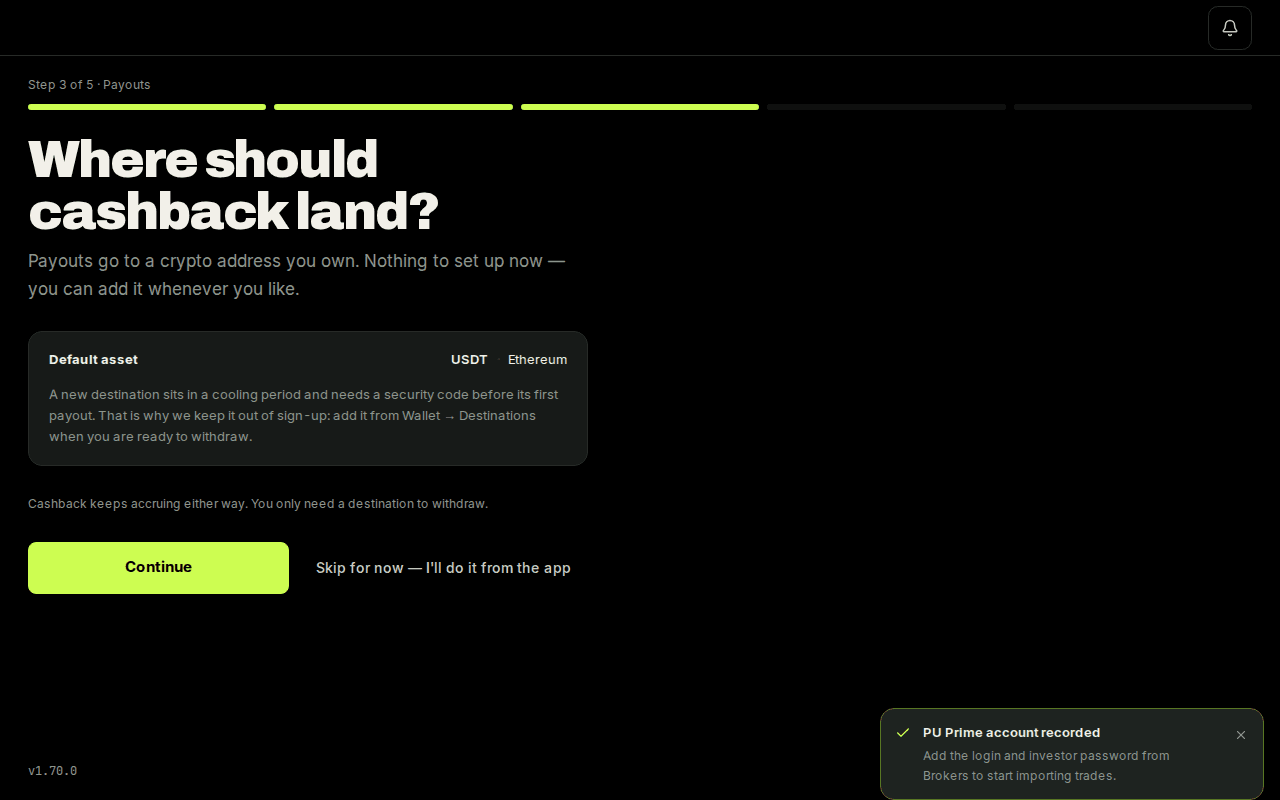
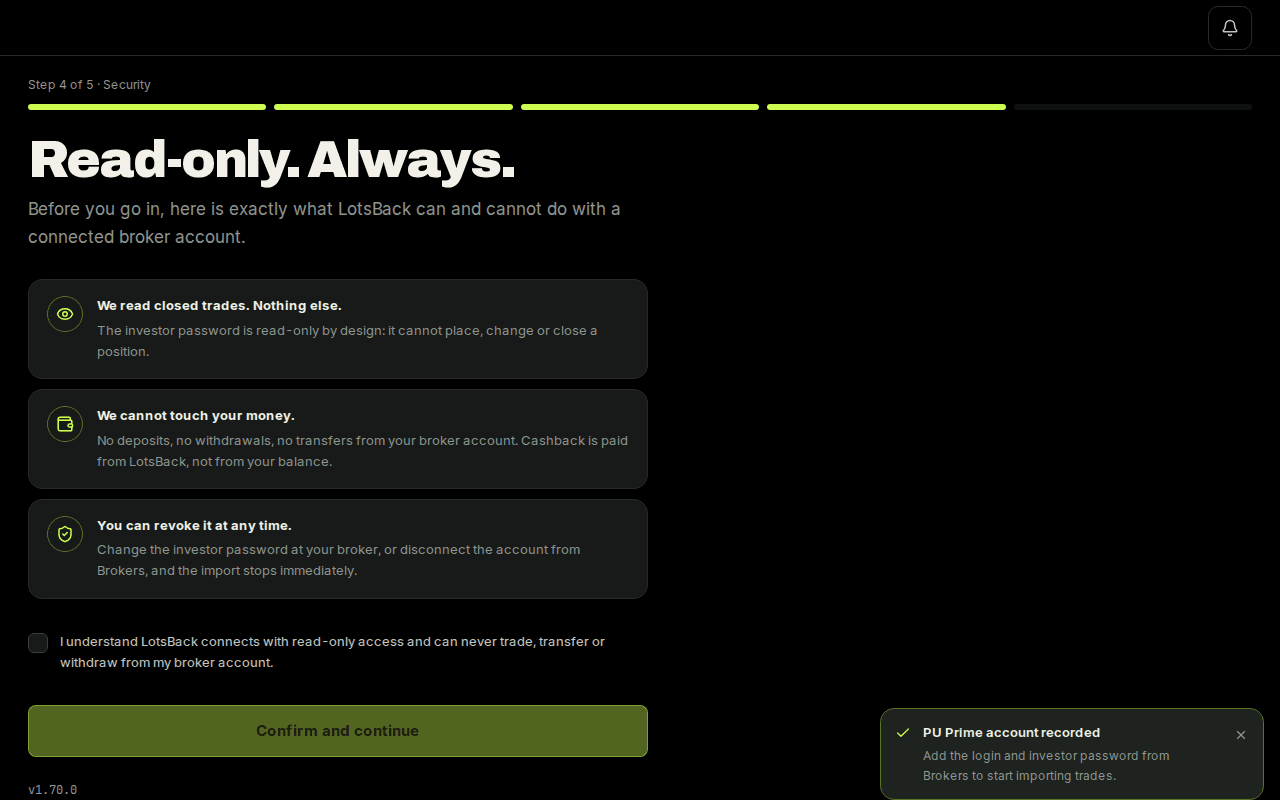
Payouts asks for your USDT address; you can add it later. Security asks you to confirm that the link is read-only. Terms is the last screen. Then the dashboard opens.
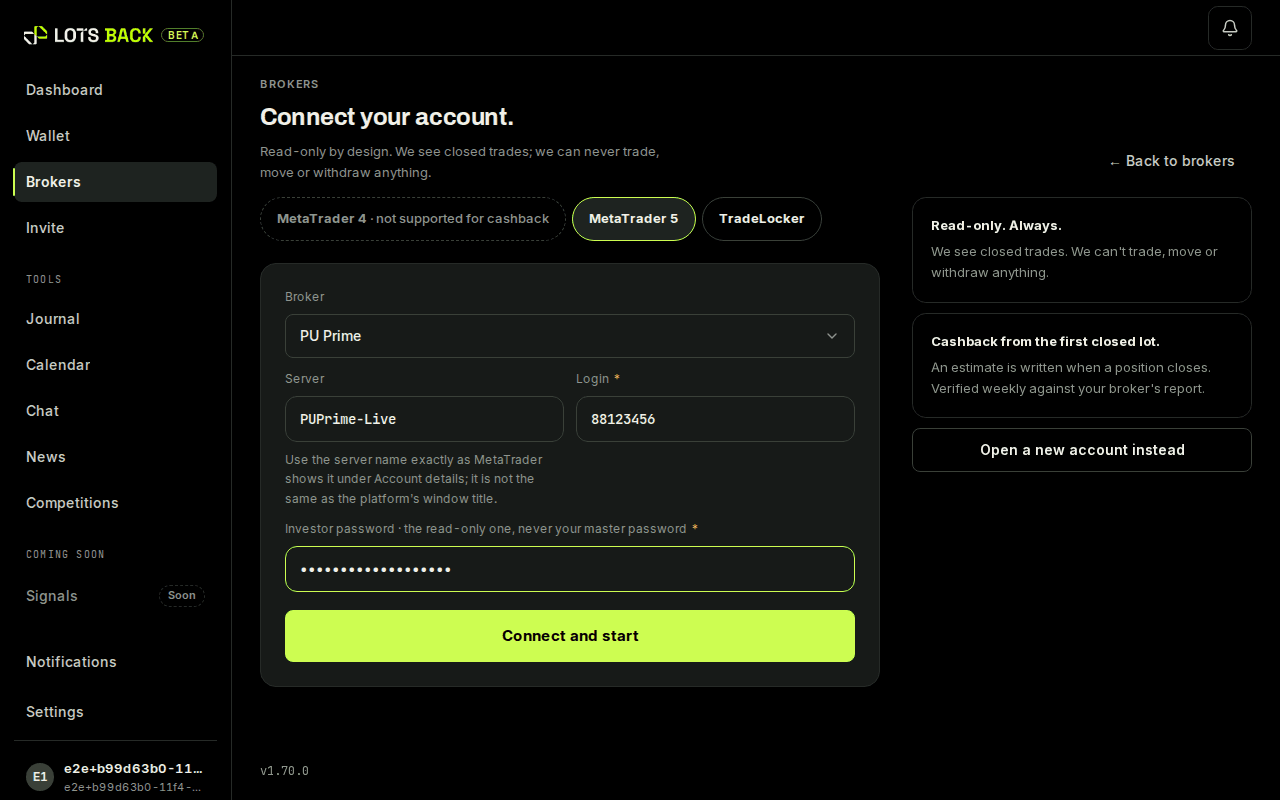
Open Brokers and press Connect an account. Choose the broker, then enter the three details from the broker's email: Server, Login and Investor password. Press Connect and start.
The card under Brokers tells you where the account stands. Every figure is an estimate until the broker confirms.
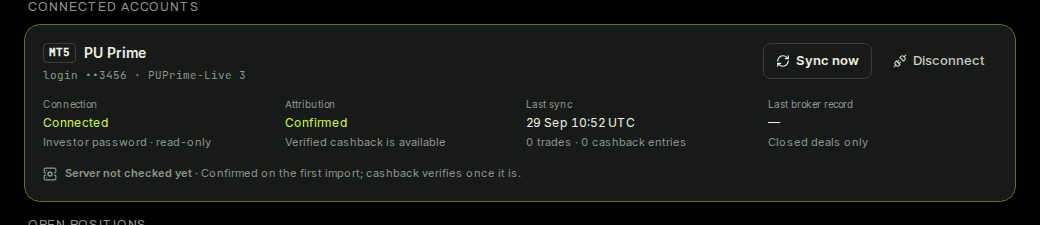
The card shows the last sync time and the number of trades read. The first import runs within the hour. From then on the dashboard shows each closed trade and its estimate.