BETA
BETAVideo guide · Cashback · 0:36
Where can I find the rate for my account?
Recorded from the live app on 1 October 2026. A label may have changed since.
Transcript
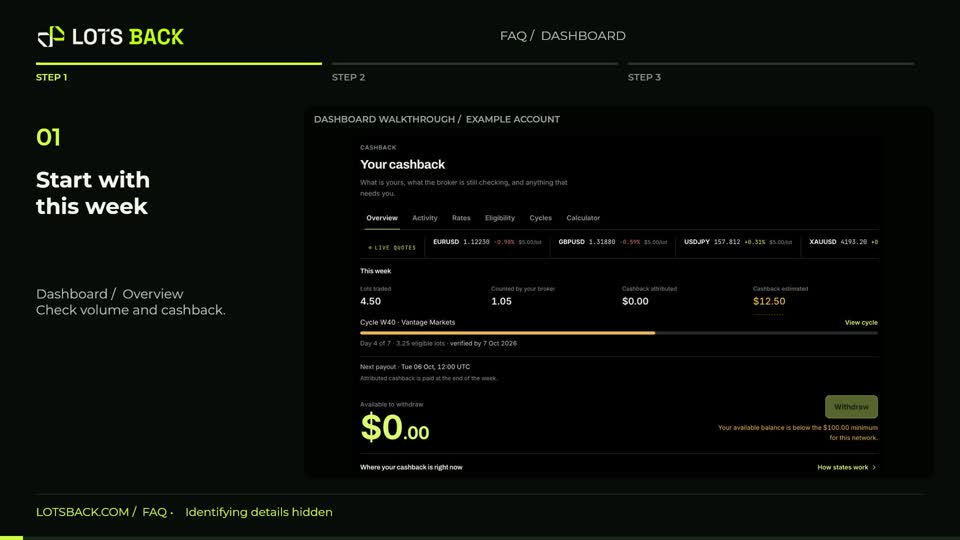
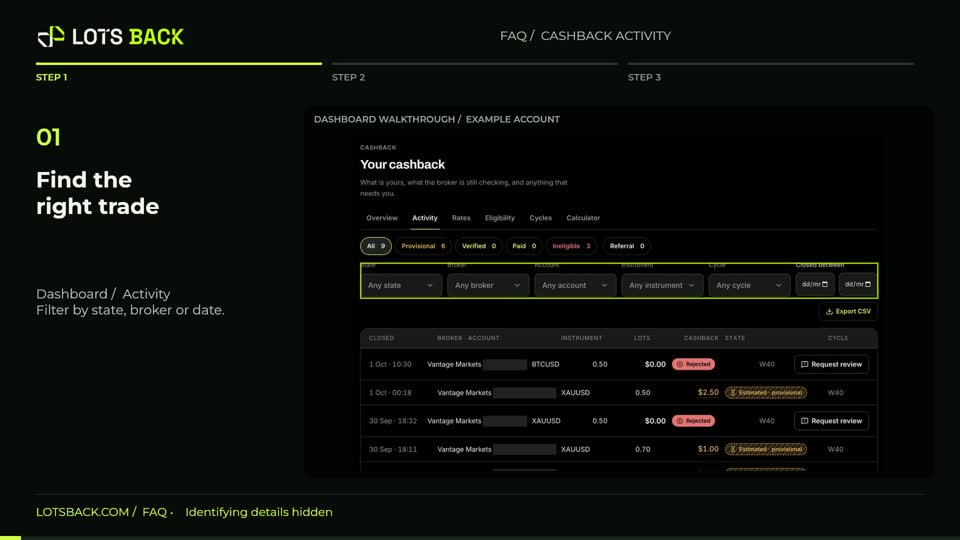
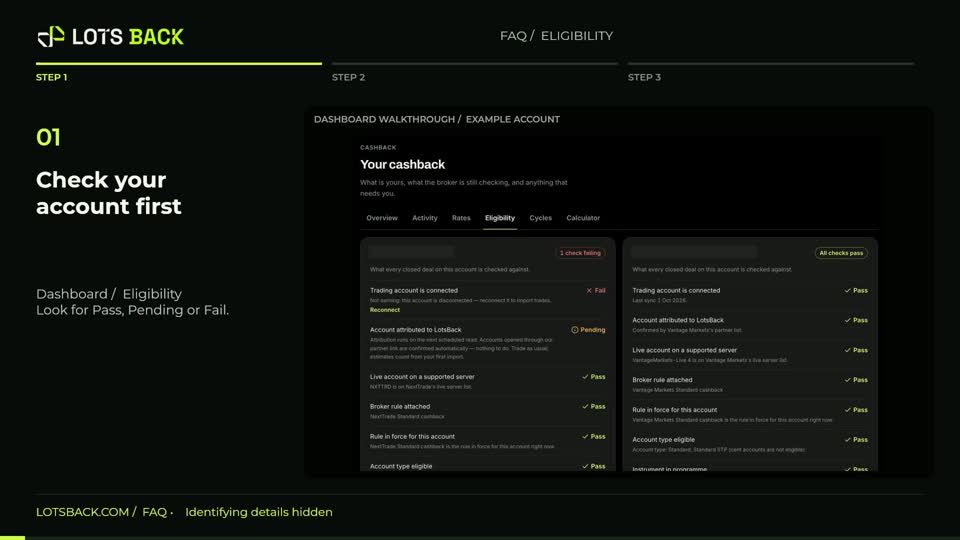
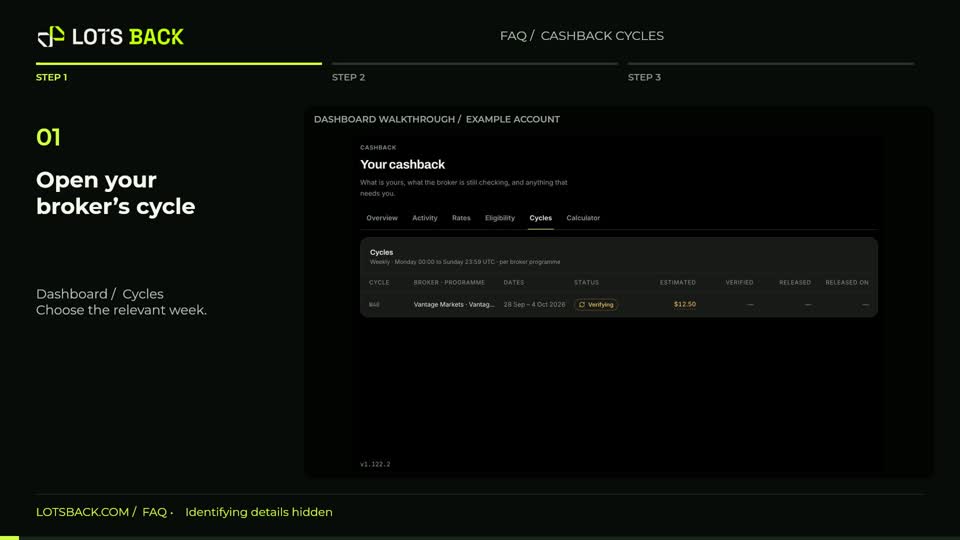
Open Rates from the Dashboard tabs. Find your trading account and read the programme attached to it. The rate shown here belongs to that account and programme. Check the covered instruments, minimum position size, any hold time and any volume unlock. These conditions can differ between brokers, so a headline rate alone does not tell you whether a trade qualifies. For a specific trade, open its Activity explanation to see the rule actually applied. Later rate changes do not rewrite cashback already calculated under an earlier rule.