BETA
BETAVideo guide · Cashback · 0:47
How do I check an individual trade’s cashback?
Recorded from the live app on 1 October 2026. A label may have changed since.
Transcript
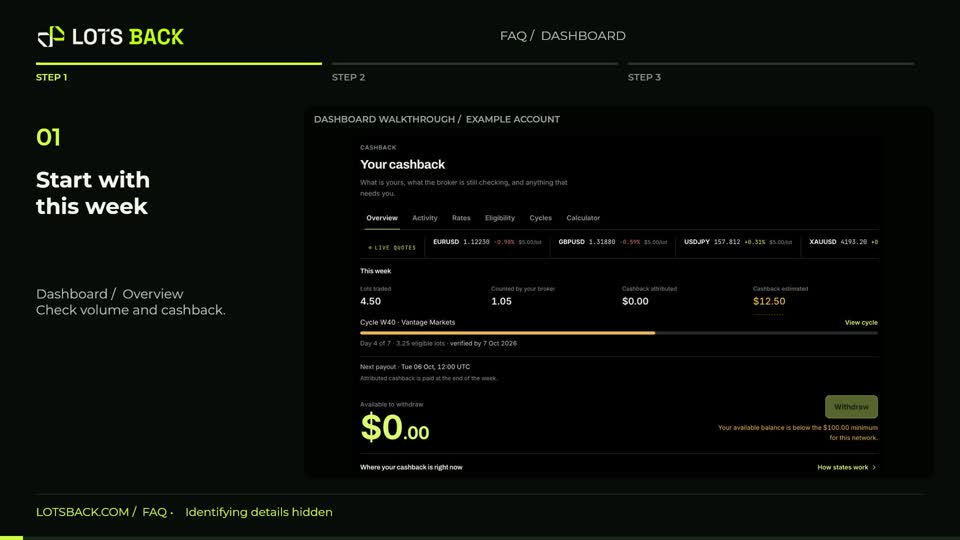
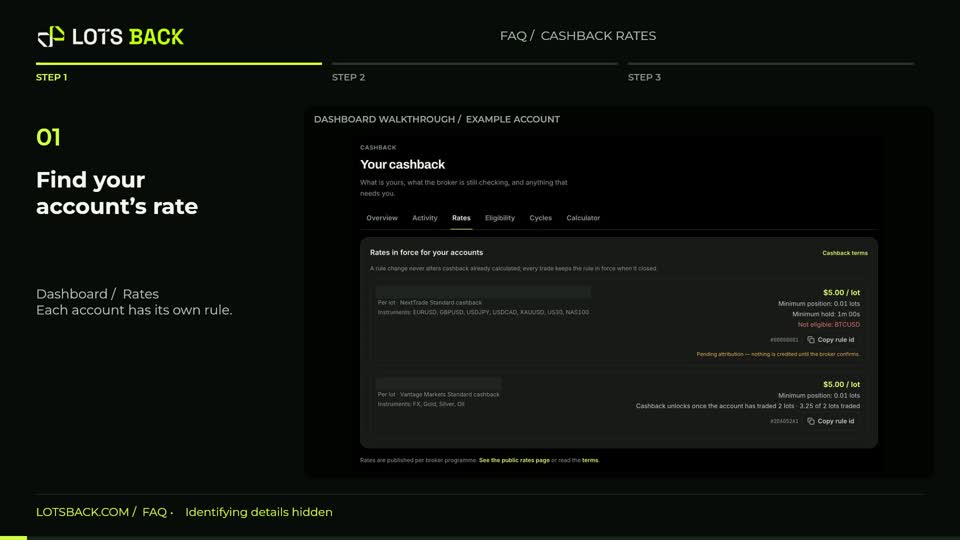
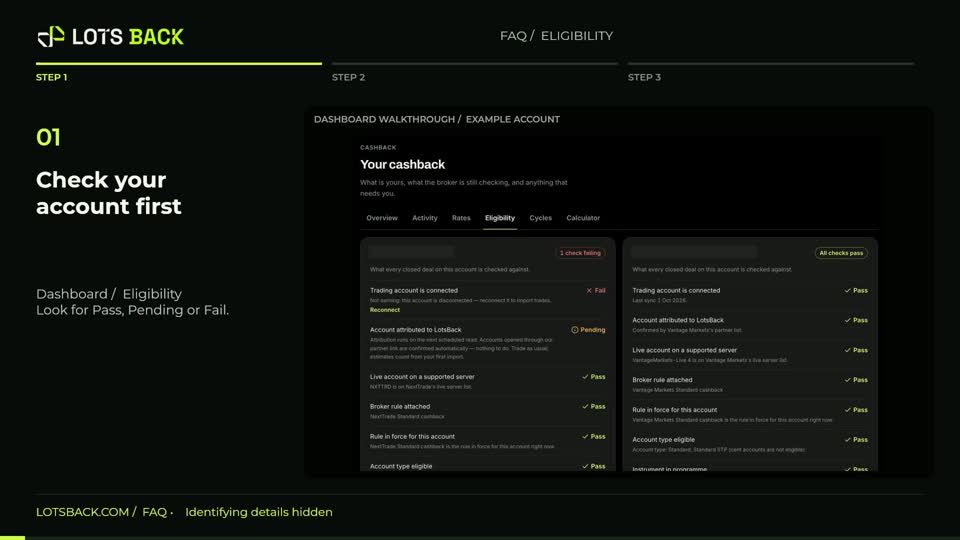
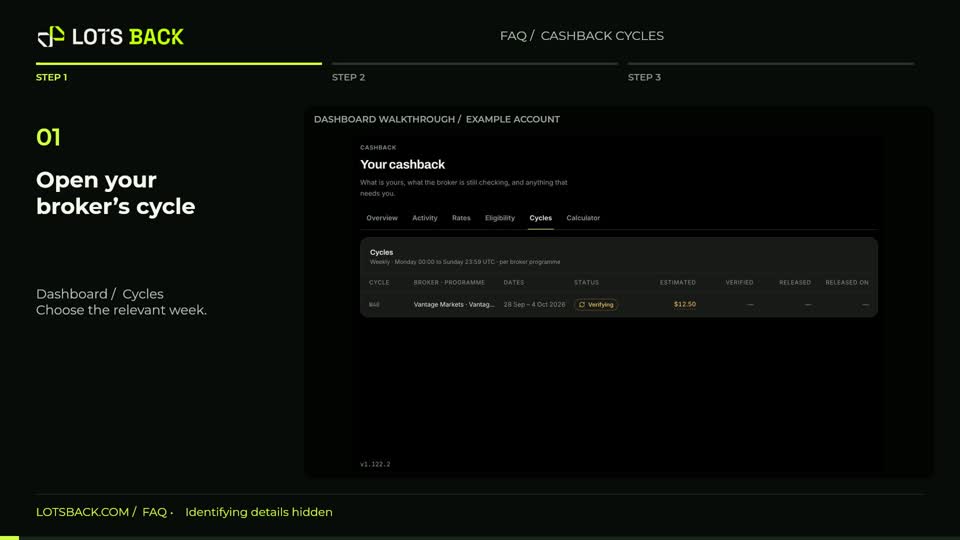
From Dashboard, open Activity. Start with All, or narrow the list to provisional, verified, paid or ineligible entries. Use the broker, account, instrument and date filters to find a particular trade. Select a row to open its explanation. You can see the applied rule, source trade and calculation. In this example, half an eligible lot at five dollars per lot produces a provisional estimate of two dollars fifty. Read the eligibility checks and state history before assuming an amount is ready to withdraw. Follow the cycle link for verification progress, or return to Activity and choose Export CSV for your records.