BETA
BETAVideo guide · Cashback · 0:41
How do I read my cashback dashboard?
Recorded from the live app on 1 October 2026. A label may have changed since.
Transcript
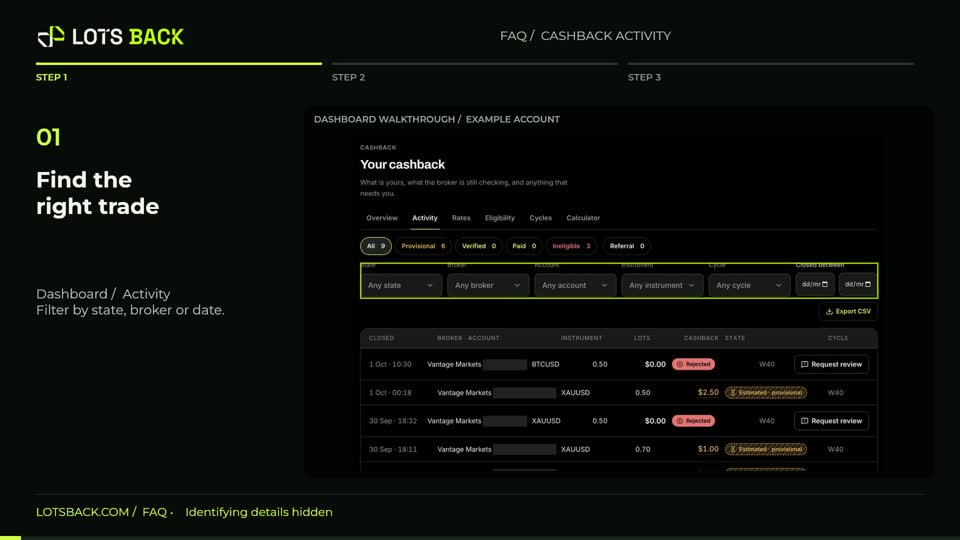
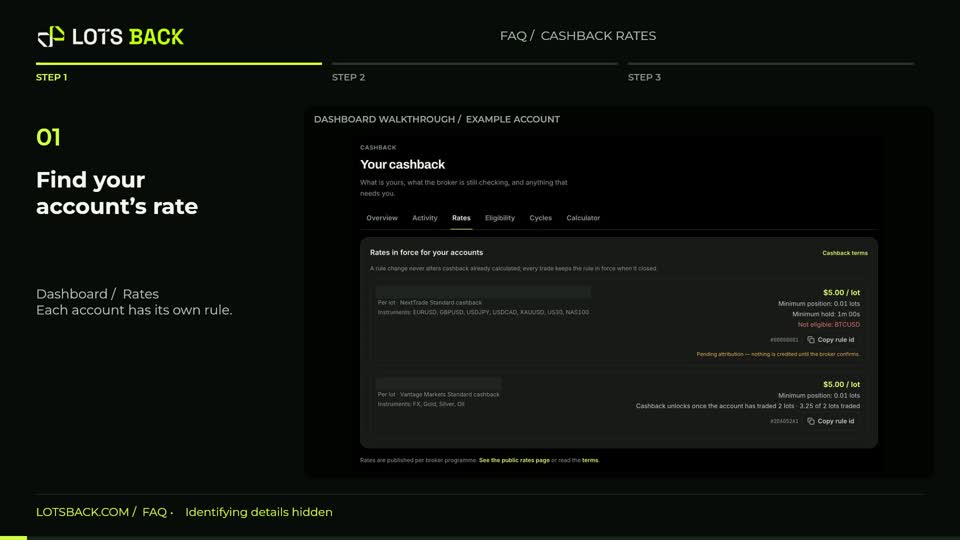
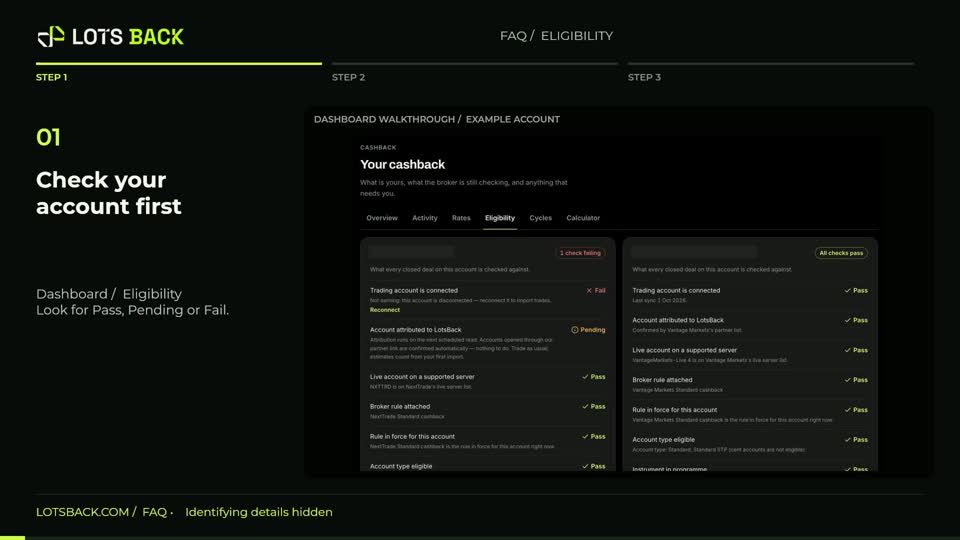
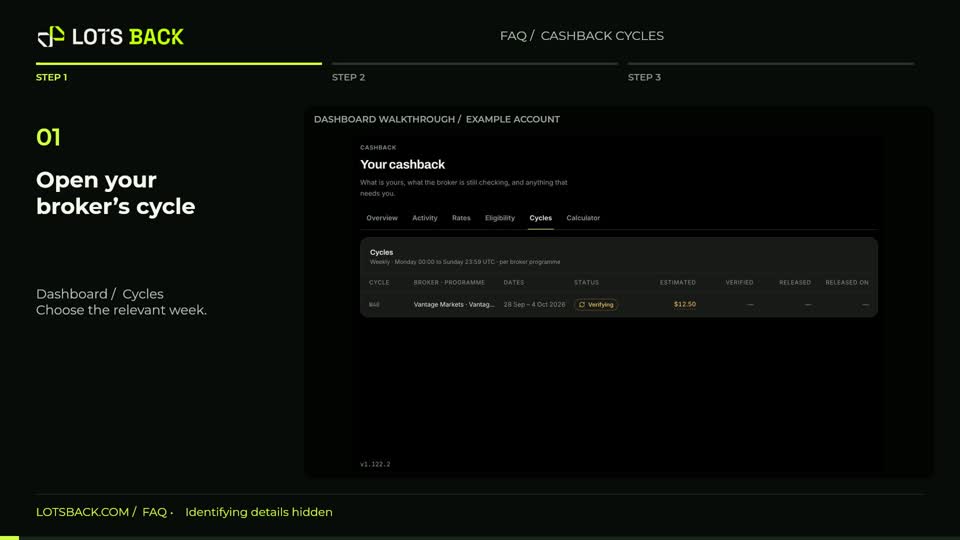
Open Dashboard to see your cashback at a glance. This week compares the lots you traded with the volume counted by your broker, alongside attributed and estimated cashback. Scroll to the cashback states. Estimated is provisional. Verifying is being checked with the broker. Available is money you can withdraw. Reserved is committed to a payout, and Paid has already been sent. Open an amount or recent entry for its explanation. Check Right now for anything that needs attention, and expand Breakdown to explore cost recovery, broker totals and your recent history.