BETA
BETAVideo guide · Tools · 0:41
Where do I find market news and LotsBack updates?
Recorded from the live app on 1 October 2026. A label may have changed since.
Transcript
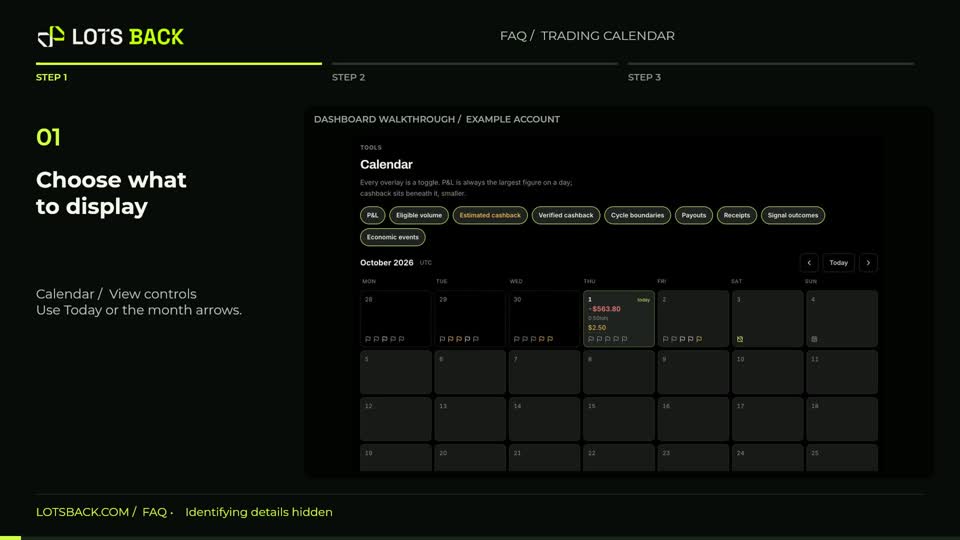
Open News and choose Markets. Use the instrument filters to narrow the headlines. Each item shows its source and time, so you can see where the information came from. Choose Announcements for LotsBack updates, broker notices, maintenance and education. Use the category filters to find the kind of update you need. Open a notice to read the detail. For scheduled economic events, use the Calendar view. News is background information; check the original source and publication time before relying on a headline.