BETA
BETAVideo guide · Tools · 0:45
How do I use the trading and economic calendar?
Recorded from the live app on 1 October 2026. A label may have changed since.
Transcript
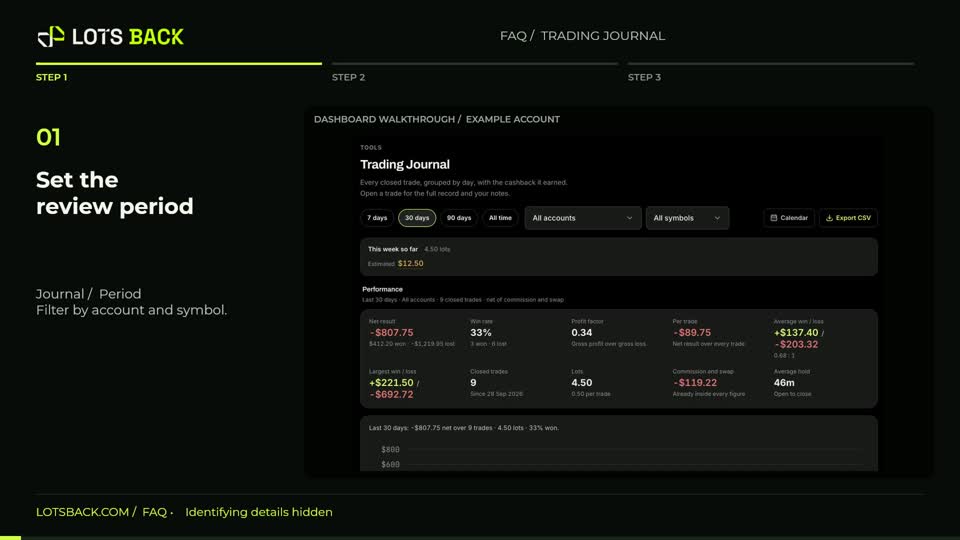
Open Calendar and use Today or the month arrows to navigate. The controls let you show profit and loss, eligible volume, cashback, cycle boundaries, payouts and economic events. Select a date to see that day’s trades, result and eligible lots. Each trade links to its Journal entry. Estimated cashback remains provisional, even when it appears beside a trading result. Further down, filter economic events by impact and currency. Compare the actual, forecast and previous figures when available, and check the displayed time zone. These events provide context; they are not instructions to place a trade.