BETA
BETAHow do I sign up and connect a new trading account?
Recorded from the live app on 1 October 2026. A label may have changed since.
Transcript
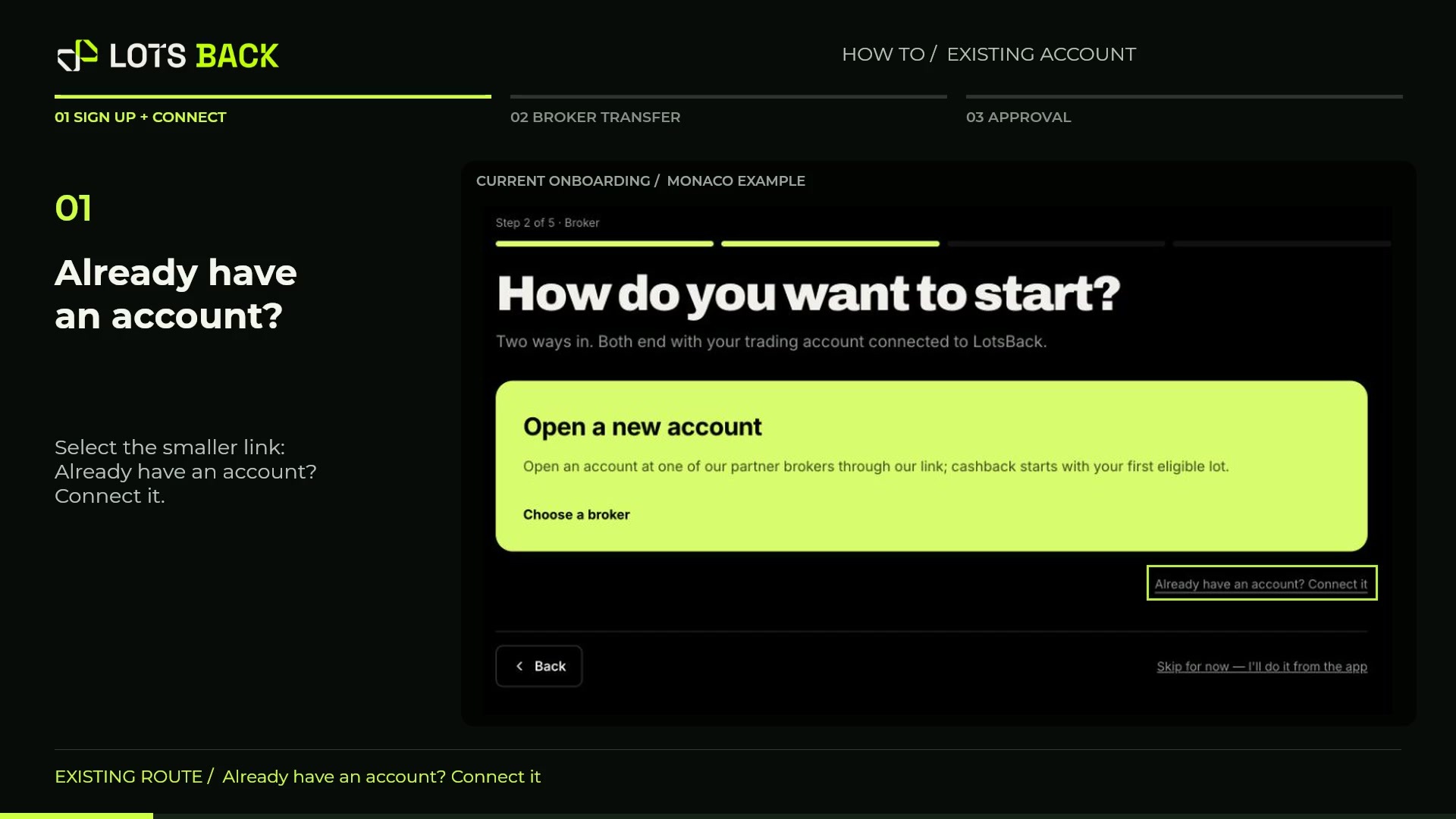
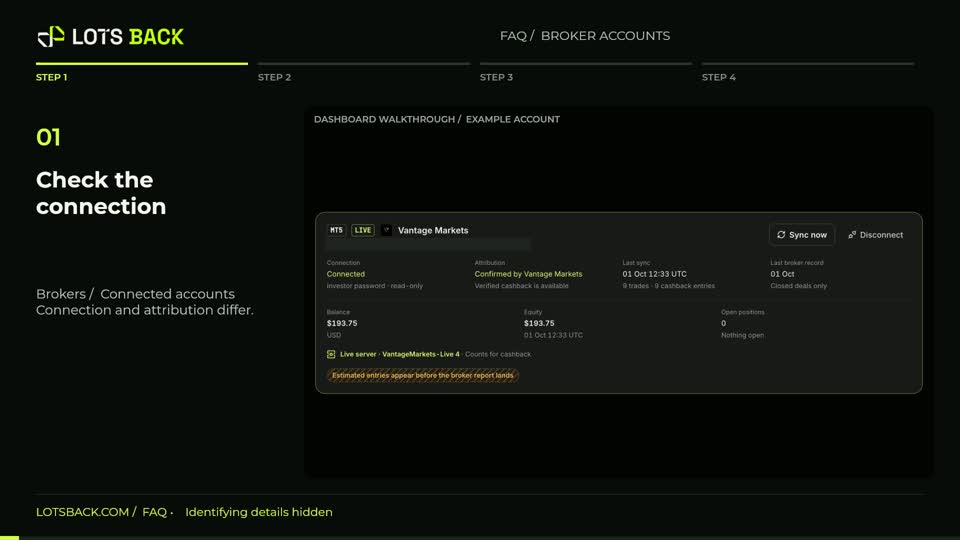
Start with LotsBack. Enter your email, select Send magic link, and open the link in your inbox. Choose your country of residence, then continue to the account options. Select Open a new account. This takes you to LotsBack's partner brokers. Choose a broker and use its Open an account button. We'll use Vantage Markets in this example. Complete registration and identity checks on the broker's website, then create an eligible live trading account. Keep your server name, trading login and read-only investor password. Return to LotsBack. Choose I have my credentials, connect the account. Check the broker and platform. Enter your server, trading login and investor password, then select Connect and start. Complete the remaining setup and review the confirmations. Finally, open Brokers and check both statuses: Connected, and attribution confirmed by your broker. Your account is now ready for eligible trades to be verified.