BETA
BETAHow do I manage where payouts are sent?
Recorded from the live app on 1 October 2026. A label may have changed since.
Transcript
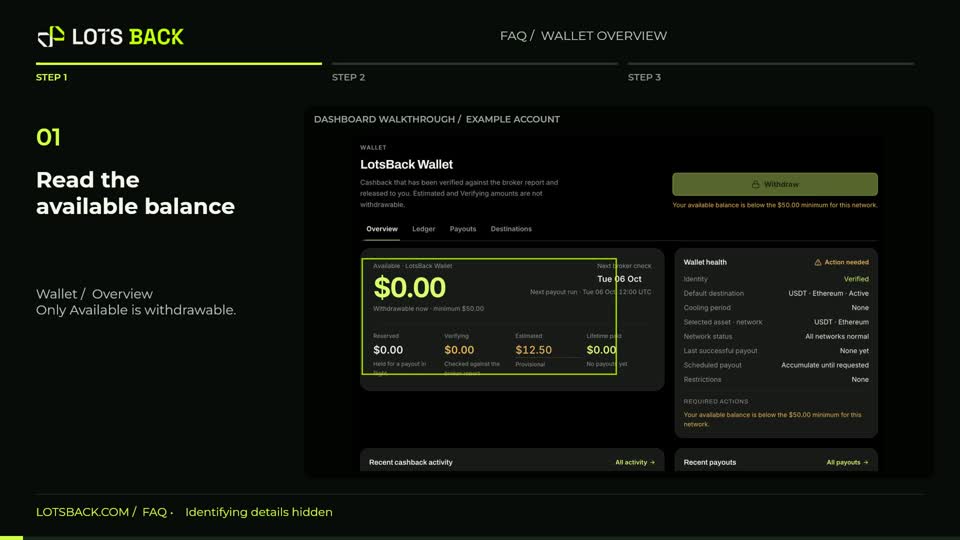
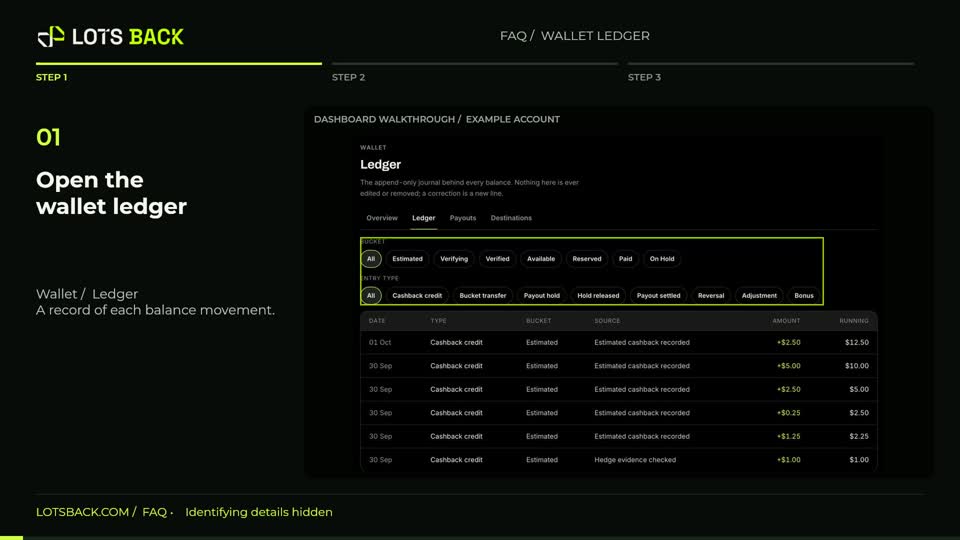
Open Destinations inside Wallet. Check the asset, network and state together. Only an active destination can receive a payout. The account details in this example have been hidden. Choose Add destination, then select the asset and network that match your receiving wallet. On the next step, paste your own receiving address and check it carefully. Continue through the label, review and confirmation steps. Confirm with your own authenticator app. A new destination has a forty-eight-hour cooling period before its first payout. Never use somebody else’s example address. Use Payouts to follow a payout’s status, reference and transaction hash when one exists. To change a destination address, retire the old destination and add a new one; the original address cannot be edited.